Back to
Issue 12
19 August 2026



Smarter, Faster Parent Communication
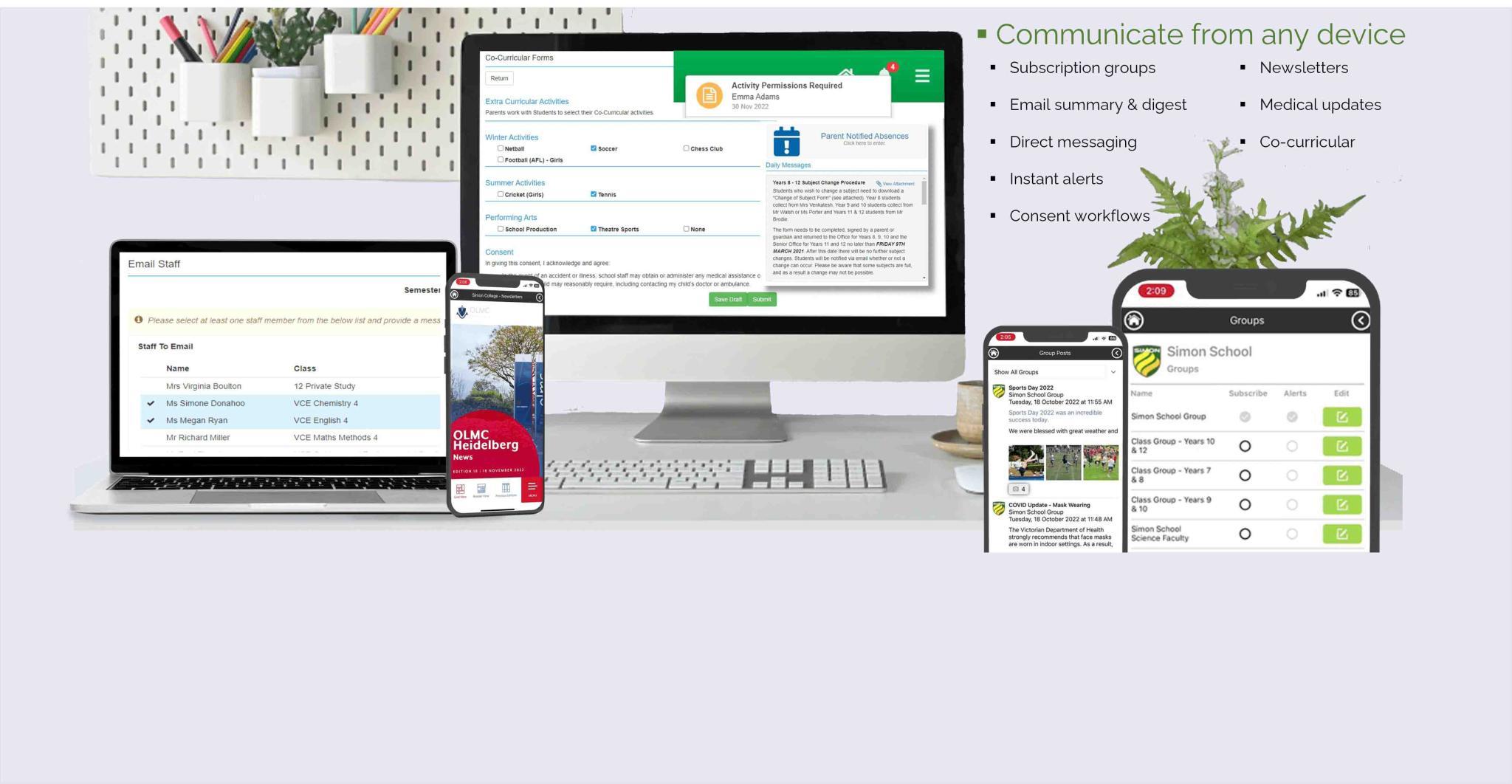
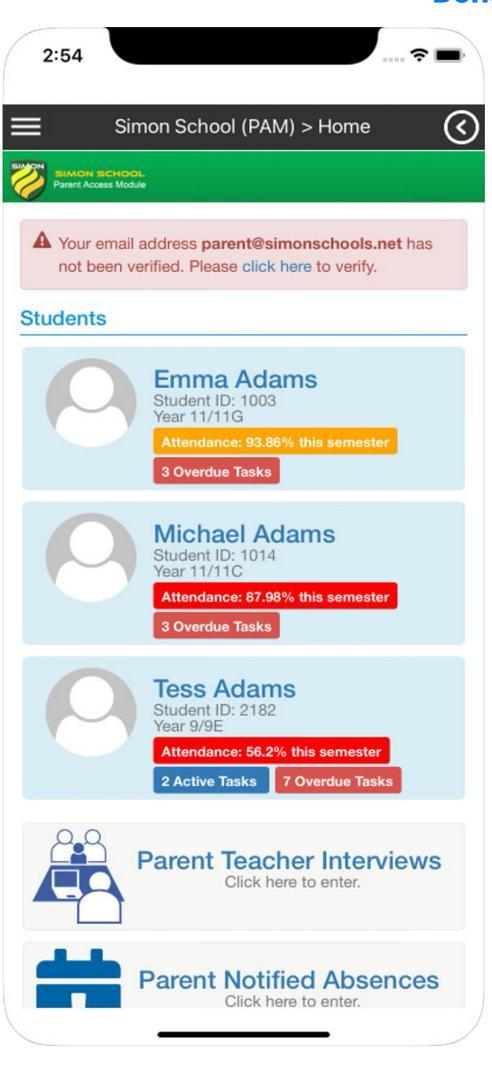
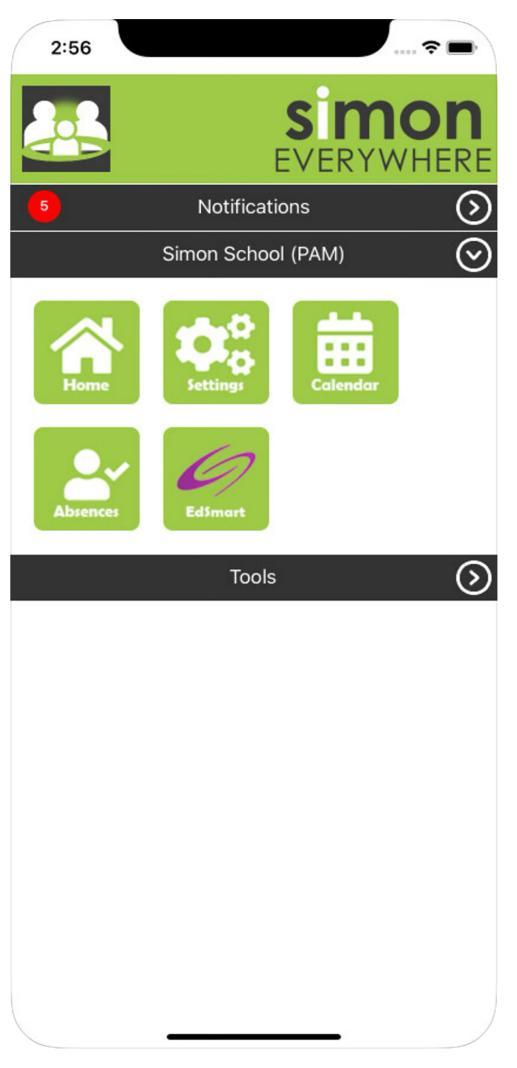
A reminder that the SIMON Everywhere app is available for all Sacred Heart Girls’ College parents and carers.The app provides convenient access to commonly used PAM features and allows the College to send important and time-sensitive notifications directly to your mobile device.To install and set up SIMON Everywhere:
We encourage all parents and carers to install the app and enable notifications.If you need assistance with installation or cannot remember your PAM login details, please contact the College ICT team at [email protected].
If you need assistance with installation or cannot remember your PAM login details, please contact the College ICT team at [email protected].